How to Turn Photos into a PDF on Your Phone
Updated · 2 min read
Expense reports, rental applications and insurance claims often ask for documents as a single PDF, but all you have is a few photos on your phone. You can turn them into one tidy PDF in under a minute.
Open Images to PDFFree, no sign-up. Your file stays on your device.
How to turn photos into a PDF
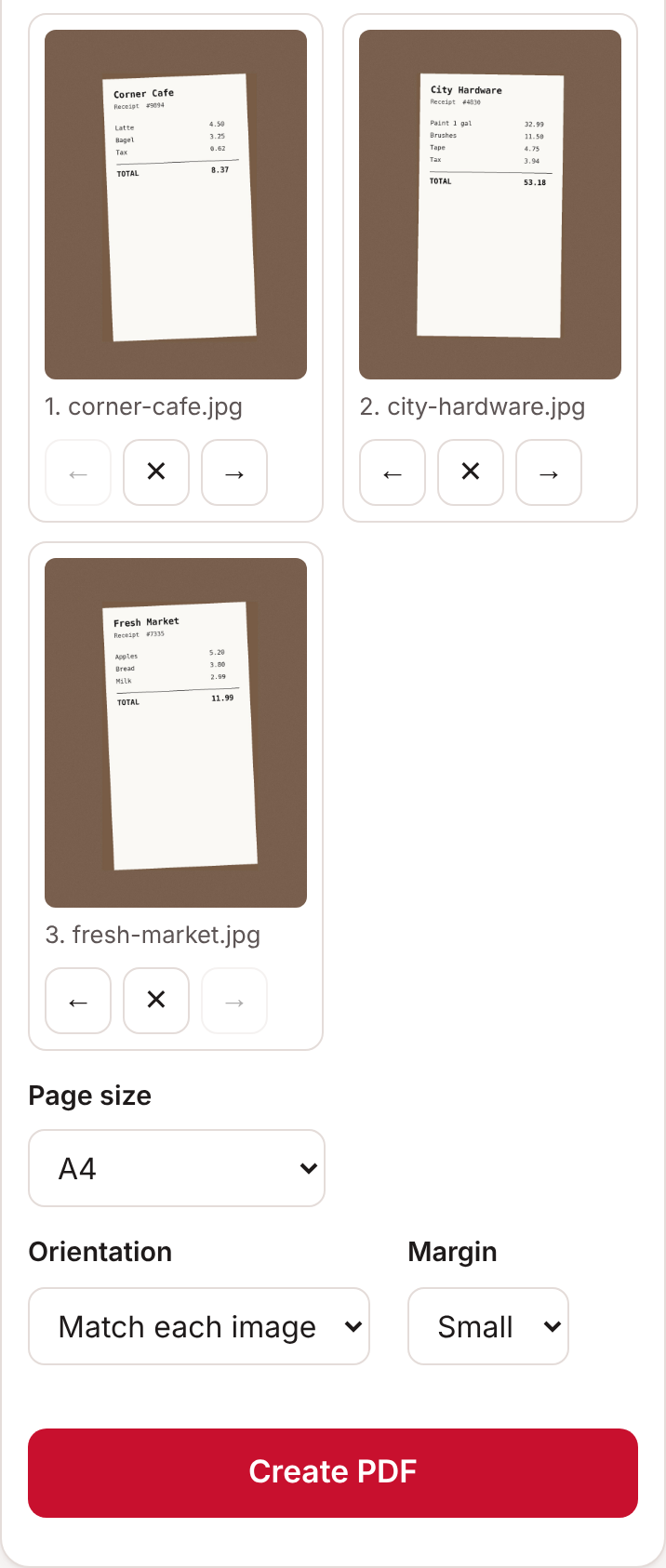
- Open Images to PDF on your phone and tap Choose images.
- Pick the photos you want, in any order.
- Use the arrow buttons under each photo to put them in order. Tap the ✕ to remove one.
- Choose a Page size. A4 or US Letter works best if the PDF might be printed.
- Tap Create PDF, then Download PDF.
Tips for clear photos of documents
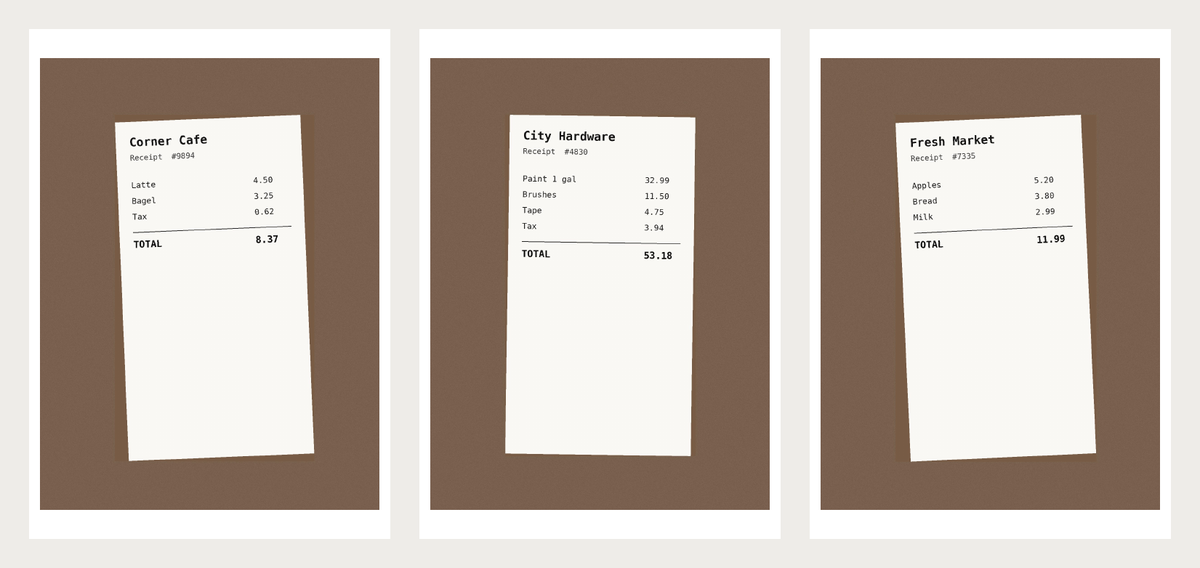
- Put the document on a dark, flat surface so its edges stand out.
- Use daylight or a bright room, and avoid your own shadow falling across the page.
- Hold the phone straight above the document, not at an angle.
- Fill most of the frame with the document.
- Check that small print is readable before you send the PDF.
iPhone photos and HEIC
iPhones usually save photos as HEIC files, which many websites can't read. When you choose photos in Safari on an iPhone or iPad, Safari normally converts them to JPG for you, so they work straight away. If you've copied HEIC photos to a computer, convert them first: on a Mac, open the photo in Preview and choose File, then Export, with JPEG as the format. On Windows, open it in the Photos app and save a copy as JPG.
Common questions
Which image types work?
JPG and PNG.
Will the PDF be too big to email?
Phone photos are large, so a PDF of many photos can be big. If it's over your email limit, run it through Compress PDF. See our guide on compressing a PDF for email.
Can I add more pages later?
Yes. Make a second PDF from the new photos, then join the two with Merge PDFs.
Is there another way on iPhone?
The Notes app has a built-in document scanner that can save scans as a PDF. Don's Free PDF is handy when the photos are already taken, or when you're on Android or a computer.
Open Images to PDFFree, no sign-up. Your file stays on your device.